
Last updated November 18, 2026
 Wrought iron
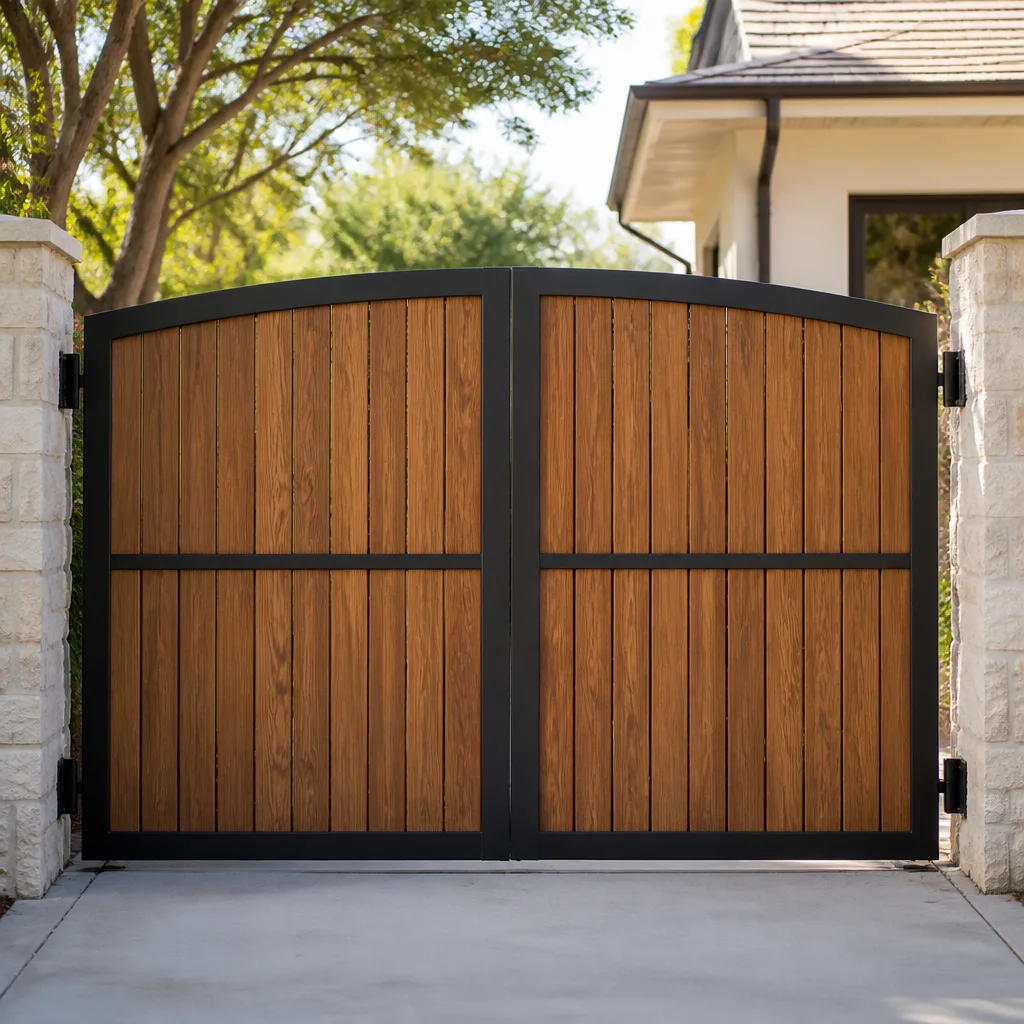 Wood & steel frame
 Farm & ranch
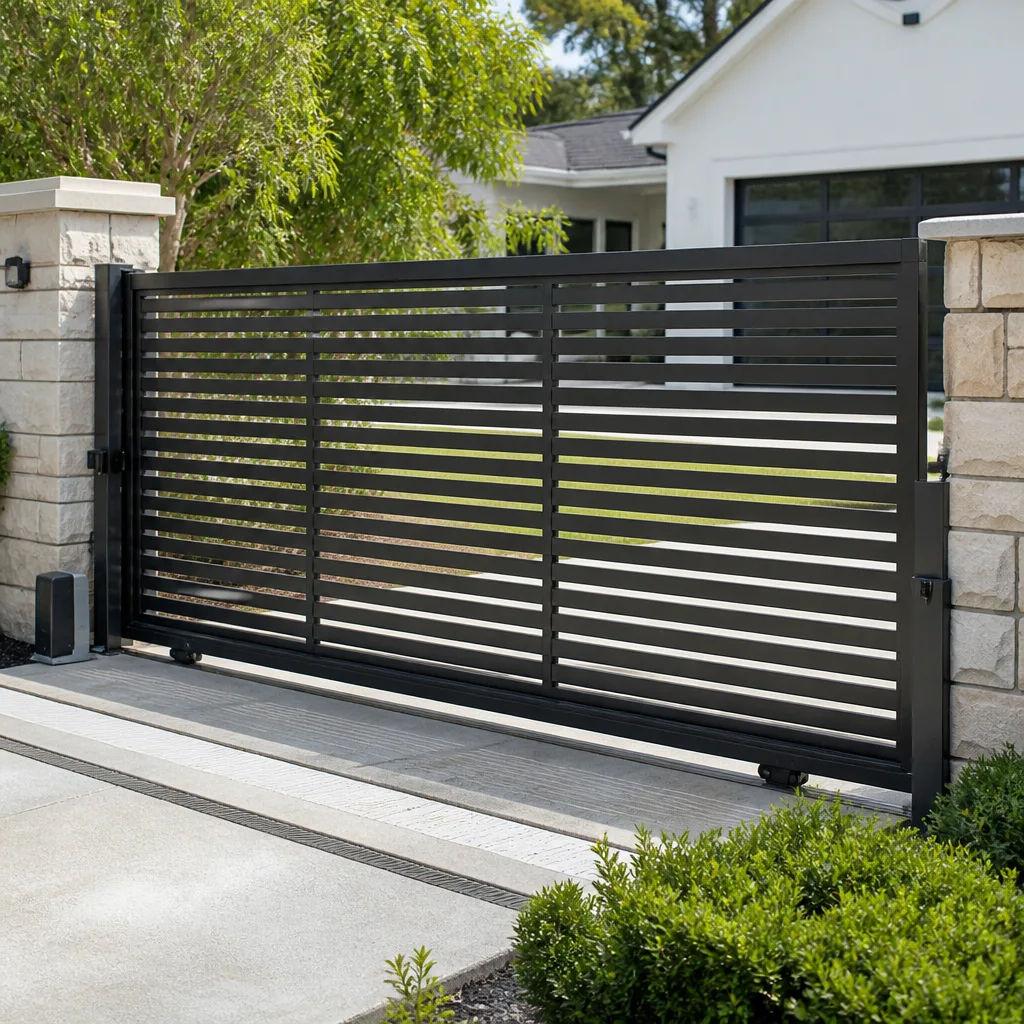 Sliding driveway gates
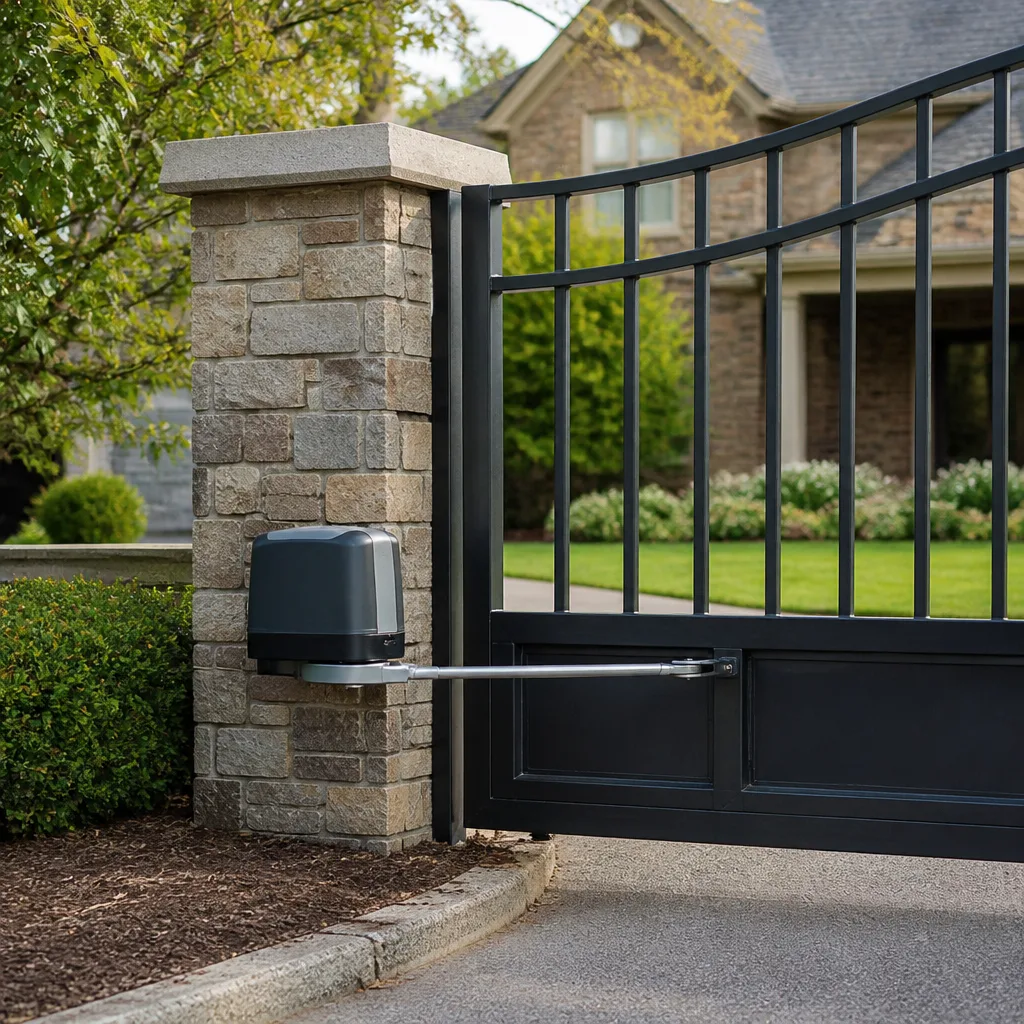 LiftMaster operators
Free on-site gate assessment - hinges, posts, and your LiftMaster or Nice gate operator checked before anything is quoted
The assessment is free and the quote is the invoice.
Get your free estimateDIY vs Professional Gate Access Control: What’s Safe to Do Yourself
Reprogramming a keypad code is DIY. Rewiring the safety-loop detector buried under your driveway is not. The difference matters because an access control system is two systems sharing one box: a logic board that runs on low voltage and a motor that runs on household current. A homeowner with a manual and a screwdriver can safely touch half of it. The other half can brick a control board, void a warranty, or create a vehicle gate that closes on a person. This guide draws that line task by task, so you spend your Saturday only on the jobs that actually save you money. If you live in Winchester and you’re staring at a keypad that won’t take your code, this is for you.
Quick Answer
Safe DIY tasks on gate access control are limited to code resets, fob pairing, and battery swaps in keypads or remotes. Everything involving wiring, loop detectors, control boards, limit switches, or safety sensors is a professional job. That isn’t a sales pitch; it’s the line where warranty terms, shock risk, and vehicle-safety liability all start. In Winchester, we see more callbacks from “I just tweaked the sensitivity” than from any other owner attempt.
Styles & brands we work with
- Wrought iron
- Wood & steel frame
- Farm & ranch
- Sliding driveway gates
- LiftMaster operators
Table of Contents
- The Line: What Makes an Access Task Safe or Unsafe
- What’s Genuinely Safe to Do Yourself
- What Belongs to a Professional, No Exceptions
- What Your Warranty Actually Says About Owner Wiring
- How to Power Down Safely (and the Capacitor Trap)
- The “Easy Fix” That Almost Always Calls Us Back
- Why Brand Certification Matters on Nine Different Openers
- Common Mistakes to Avoid
The Line: What Makes an Access Task Safe or Unsafe
Every access control task falls into one of three tiers, and the tier is decided by physics, not preference. Low-voltage logic is forgiving. High-voltage motor work is not. Anything that touches vehicle detection sits in its own category because the risk isn’t to your equipment, it’s to whatever is sitting in the driveway.
Tier one is data. Codes, fobs, and keypad batteries change nothing about how the gate talks to the motor. If you get it wrong, you retype it. Tier two is low-voltage wiring and board-level work: limit switches, loop detector connections, and control board swaps. A crossed lead here can send current back through the board and destroy a part that costs more than the service call. Tier three is anything under a spring-loaded mechanism or involving a safety device. That’s where injury happens.
- Tier 1 (DIY-safe): keypad code entry, remote and fob pairing, battery replacement, app or receiver re-sync.
- Tier 2 (professional): loop detector wiring, control board replacement, limit switch calibration, receiver swap.
- Tier 3 (always professional): safety sensor adjustment, force and sensitivity tuning, anything requiring the operator housing to be opened while powered.
In Winchester, we walk homeowners through the tier-1 list over the phone all the time. It costs us a service call and it earns the trust that brings people back for the tier-3 work. That’s a fair trade. Our Ironworks Gate Co. Winchester home page lists the full scope of what we handle when the phone call isn’t enough.
What’s Genuinely Safe to Do Yourself
This is the list we hand to homeowners who’d rather try the simple stuff first. Every task below uses a screwdriver, a fresh battery, and the manual that came with the operator. None of them require opening a live housing. If you can log in to a website, you can do all of these.
- Reset a keypad code. Most keypads require the master code, a program button press, then the new code entered twice. The exact sequence lives in the manual, and it varies by brand. DoorKing keypads, for example, want a specific entry order that trips people up.
- Pair a new remote or fob. On LiftMaster and Linear receivers this is usually a “learn” button on the receiver and a press-and-hold on the remote. The receiver is normally mounted on the outside of the operator housing, so no cover removal is needed.
- Replace a keypad or remote battery. Nine-volt, AA, or coin cell depending on the unit. Pop the cover, swap the battery, re-seat the gasket. If the keypad sits in full Winchester afternoon sun, batteries die faster than the manual claims.
- Re-sync a smartphone app. If your opener uses a Wi-Fi module, the app’s troubleshooting flow handles most connection drops after a router reboot.
- Clean the keypad face and check the photo-eye lens. Dust and spider webs on an Elite safety photo-eye cause more phantom failures than any electronic fault.
That’s the honest DIY list. Anything beyond it, we recommend stopping and calling. If you want the operator itself checked over instead of just the keypad, that belongs in our Gate Motor & Opener in Winchester scope.
What Belongs to a Professional, No Exceptions
These are the jobs where the wrong move is expensive, dangerous, or both. We say professional not because we want the work, but because we’ve seen the aftermath. A gate that fails to detect a vehicle obstruction becomes a liability, and no insurance policy handles that comfortably when the failure traces back to owner wiring.
- Loop detector wiring. The inductive loop is buried under the driveway and connected to the board by two leads with polarity that matters. Reverse them and the detector misreads traffic or fails outright. The loop itself can be damaged during excavation, and diagnosing a bad loop versus a bad detector card takes test equipment most homeowners don’t own.
- Control board replacement. Boards carry proprietary wire harnesses. Reconnecting the wrong accessory to the wrong terminal is the single most common way we see boards destroyed within minutes of installation.
- Limit switch calibration. Limit switches tell the operator when to stop. Mis-set limits mean the gate over-travels, strains the motor, or stops short. Getting them right requires cycling the gate under load and adjusting in small increments.
- Safety edge and photo-eye adjustment. These devices exist so a gate reverses when something is in its path. Tuning them wrong creates a gate that looks fine until the moment it doesn’t.
- Any work inside the operator housing while it’s powered. Some operators hold charge in a capacitor after the breaker is off. See the section below.
For a full repair scope, our Gate Repair in Winchester page covers what a proper diagnostic visit includes. If you’re considering a system upgrade, the Gate Installation in Winchester guide walks through what a full install involves.
What Your Warranty Actually Says About Owner Wiring
Most gate and opener manufacturers exclude damage caused by “improper installation, unauthorized modification, or repair by anyone other than a qualified technician.” That language appears, in one form or another, in the warranty documentation for the major brands we service: LiftMaster, DoorKing, Elite, and the rest. The practical effect is simple. If you splice into the control board, swap a limit switch, or reconnect a loop detector and the board fails, you own the replacement cost.
We’re not lawyers and we’re not reading the exact clause for you. What we can tell you is what we see on service calls in Winchester. A homeowner replaces a receiver, the operator stops responding a week later, and the manufacturer’s tech line asks who did the work. Once the answer is “the homeowner,” the warranty conversation changes fast. A $150 service call to do it properly protects a part that runs into the hundreds.
Battery swaps and code changes are generally exempt because they don’t touch the wiring. Almost every warranty we’ve read allows owner-performed data entry.
How to Power Down Safely (and the Capacitor Trap)
If you’re doing any tier-1 task that requires opening a cover, power down first. Even a battery swap in a hard-wired keypad deserves this step. The sequence for most residential operators:
- Find the breaker or disconnect switch. It’s usually at the panel, sometimes at a dedicated switch near the operator.
- Turn the operator off at its own power switch if it has one, then flip the breaker.
- Wait. Do not open the housing immediately. Some operators hold residual charge in a capacitor for several minutes after power is removed.
- Verify with a non-contact voltage tester before touching any terminal.
- Use the manual release to disengage the operator from the gate so nothing moves unexpectedly if power returns.
Here’s the trap: a battery-operated keypad is not the same as a wired one, and the operator’s own battery backup means “off” isn’t always off. Some units will cycle the gate on a low battery even with the breaker tripped. If you’re not sure how the battery backup is wired, that’s the moment to stop.
The capacitor warning isn’t scare tactics. A capacitor in a gate operator can hold enough charge to give a painful jolt, and it can also discharge unpredictably. We hear the phrase “I thought the power was off” on service calls more often than you’d imagine. Treat the housing as live until you’ve verified otherwise.
The “Easy Fix” That Almost Always Calls Us Back
Gate speed and sensitivity adjustment look like DIY jobs. There’s a dial, a screw, and a paragraph in the manual. What the manual doesn’t tell you is that force and sensitivity settings are a trade-off managed by the safety standard, not just a preference. Turn the sensitivity down to stop the phantom reversing, and you’ve just created a gate that doesn’t reverse when it should. Turn force up to speed it along, and a child or a pet in the path gets a much harder hit.
In Winchester, we get this call most often in the summer, when the desert heat swells the driveway and the gate drags slightly on its track. The gate “feels heavier,” so the homeowner cranks up force. The motor is now working against a mechanical problem, and the problem is still there. By autumn, the operator has overheated, or the gate has struck something.
Here’s the split. A gate that drags in hot weather is a mechanical issue, not an electronic one. That’s a job for a technician who can diagnose the source: track alignment, hinge wear, or a settling post. Force adjustment is not the fix. It’s the mask. If your gate is sensitive enough to trip on a leaf, we’d rather test the safety edge than tune it out.
The callback we see: homeowners who fiddled with sensitivity on a Saturday, then called us a month later because the gate wouldn’t reverse at all. The fix is easy. The reason we had to make it isn’t.
Why Brand Certification Matters on Nine Different Openers
Each of the major gate-automation brands wires the same concept differently. A safety loop that ties to terminal four on one operator ties to terminal seven on another. The accessory relay sits in a different position. The wire gauge and the harness connector are proprietary. There’s no universal standard, so a technician who learns one brand well can still get lost in a different brand’s control board.
Our team is trained and equipped on nine brands: LiftMaster, FAAC, BFT, Linear, Viking, Ghost Controls, DoorKing, Elite, and Mighty Mule. That matters on a service call because it means the first visit is the right visit. We don’t have to guess at the harness. We’ve also seen what happens when the wrong accessory is put on the wrong terminal: the control board can fail in seconds, and the replacement cost runs well past the service call.
DoorKing access control units, for example, use a different entry and programming sequence than you’d find on a LiftMaster swing operator. Elite residential units are simpler but still proprietary in their accessory wiring. If a homeowner has a Mighty Mule DIY-installed system and adds a brand-name loop detector, the mismatch can put the operator into a fault state that no amount of resetting resolves.
Our technicians have up to 13 years of experience across these systems, and on most jobs we complete the work in a single visit – upfront price settled before a bolt is turned, and a written 90-Day Done Right Promise backing every job. If you’ve got a system that’s giving you trouble in Winchester, we’ll diagnose it in person and tell you straight whether it’s a DIY fix or a real repair. Live phone support answers 24 hours a day if you’d rather talk it through first.
Common Mistakes to Avoid
- Assuming the breaker means dead. Battery backup and residual capacitor charge keep parts of the operator live. Verify with a tester before you touch a terminal, every time.
- Tuning sensitivity to hide a mechanical problem. If the gate drags in the summer heat, the fix is track and hinge work, not force. Crank the force up and you’re buying motor wear instead of a repair.
- Splicing a new accessory to a terminal by color match. Wire colors vary between brands. Use the manual’s schematic, not the color of the old lead.
- Replacing a control board before diagnosing the fault. A failed board often has a cause upstream: a shorted sensor, a bad loop, a chafed wire. The new board fails the same way.
- Skipping the manual release before service. A gate that cycles while your hand is inside the housing is an injury waiting to happen. Disengage the operator first.
- Ignoring the safety photo-eye because the gate “works fine.” A gate that runs fine still needs to reverse when something enters its path. Test it monthly with a cardboard box.
- Letting a marginal loop detector go for a season. A loop that misses occasionally in Winchester traffic becomes a loop that misses entirely by next spring, and the replacement is far more expensive than the diagnostic.
See the difference
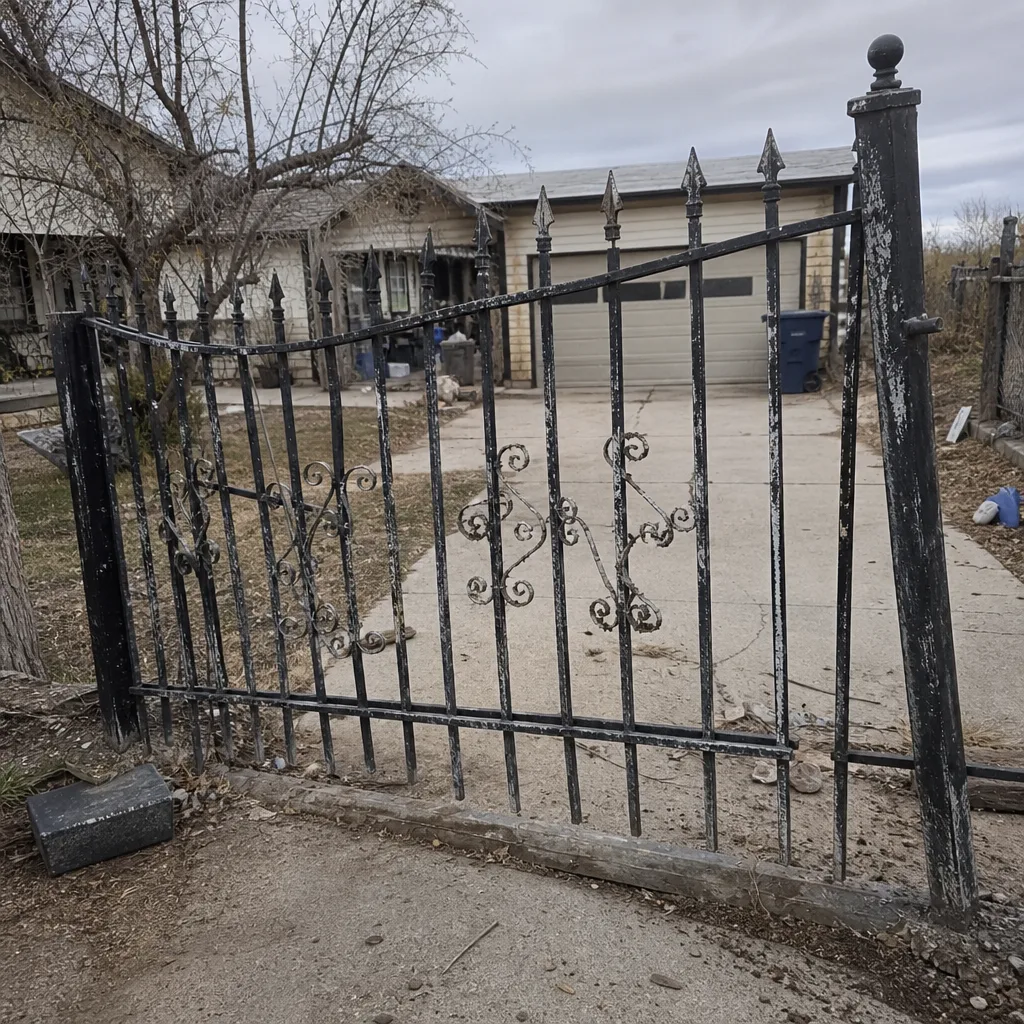 Before
 After
 Before
 After
 Before
 After
When to Call a Professional
Call us if the gate won’t reverse when tested, if a control board has failed, if a loop detector is misfiring, if you’ve just moved into a home with a system you don’t recognize, or if the operator smells hot or hums without moving. Call us if your gate needs welding, hinge work, or a new motor – those aren’t access control jobs at all. Call us before you open a live housing if you’re not sure about the capacitor. Ironworks Gate Co. Winchester offers free estimates in Winchester – call (866) 984-8340 anytime, day or night. A live person answers every call, and we’ll tell you if your problem is genuinely a ten-minute DIY fix. That’s a square deal either way.
Frequently Asked Questions
Yes. Keypad code resets are a tier-1 DIY task and almost every manufacturer allows it without affecting your warranty. You’ll need the master code and the manual’s programming sequence. If the keypad won’t accept the new code, call us at (866) 984-8340 – the fault is usually a dead battery or a keypad that’s given up after years in the sun.
No. The loop detector involves burial work, polarity-sensitive wiring, and the control board. It’s also a vehicle-safety device – a miswired detector can cause the gate to close on a car. Call us for a proper diagnostic and installation in Winchester; the free estimate covers the whole scope.
Battery swaps and code changes generally don’t. Wiring work usually does. Manufacturers exclude damage from unauthorized modification or repair, and once the manufacturer learns the homeowner did the wiring, the warranty claim is refused. A service call costs less than the part it might replace.
Some gate operators hold residual charge in a capacitor after power is removed, sometimes for several minutes. That’s why we tell homeowners to wait, use a non-contact voltage tester, and treat the housing as live until they’ve verified otherwise. A painful jolt is the least of the risks.
We’d rather you didn’t. Speed and sensitivity settings interact with the gate’s safety standard, and turning sensitivity down to stop phantom reversing can create a gate that doesn’t reverse at all. If the gate feels heavy, the cause is usually mechanical: heat swelling the track, worn hinges, or a settling post. Call us for a diagnosis.
Homeowners guessing at accessory wiring by matching wire colors across brands. Colors aren’t standard across manufacturers, so a LiftMaster lead doesn’t connect where an Elite lead does. The board can fail in seconds. Whenever you’re not sure, stop and call (866) 984-8340 – we’ll tell you honestly whether it’s a fix you can handle.
The Bottom Line
Code resets, fob pairing, and battery swaps are yours to handle. Everything else on an access control system – loop detector wiring, control board replacement, limit switch calibration, safety sensor adjustment, and sensitivity tuning – is where the wrong move meets real consequences. Get the DIY list right and you’ll save on the small stuff. Get the rest wrong and you’ll spend a lot more than the service call. Ironworks Gate Co. Winchester stands behind what we do with a written 90-Day Done Right Promise, and we’ll tell you which list your task belongs on before we ever suggest an appointment.
Ready to sort out your gate? Call (866) 984-8340 for a free estimate. A live person answers, day or night, and we’ll give you a straight answer about whether you can handle it or should hand it to us.
Written by the team at Ironworks Gate Co. Winchester.