
Last updated November 18, 2026
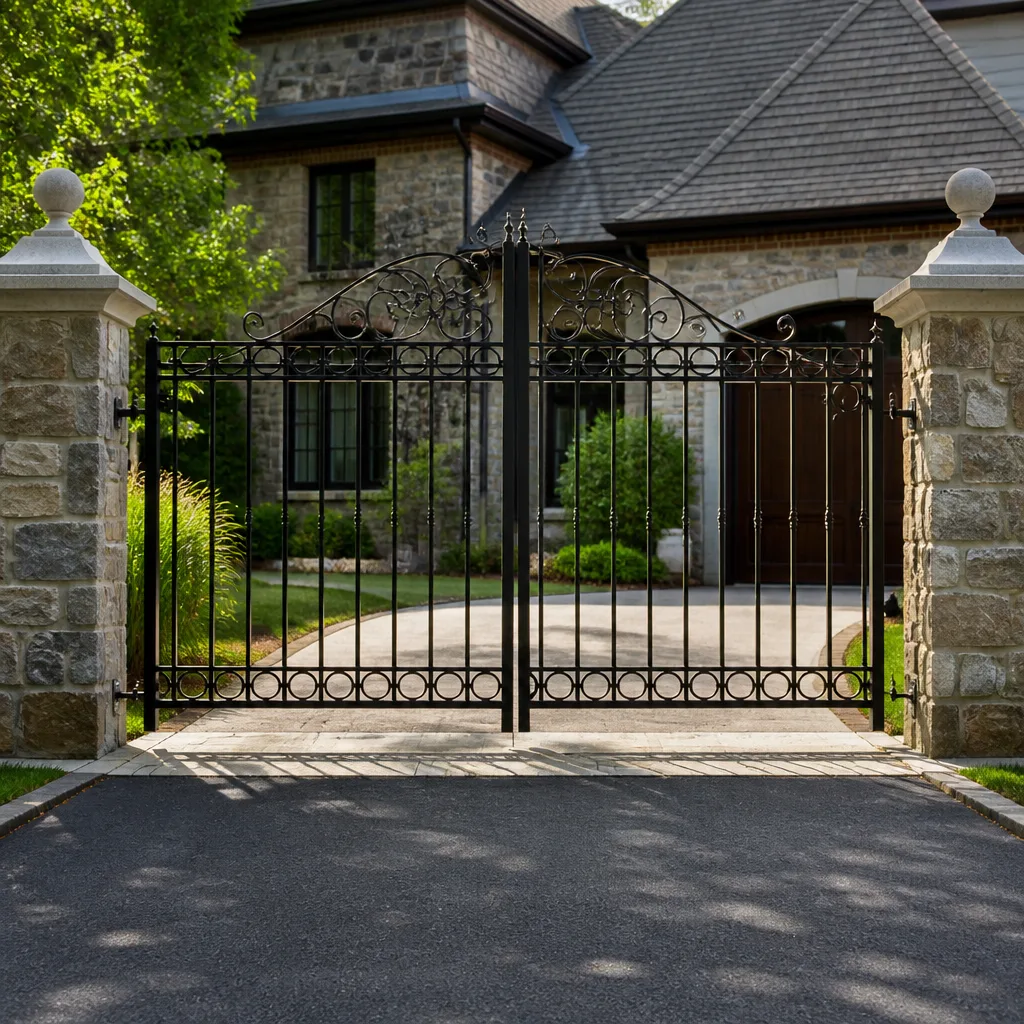 Wrought iron
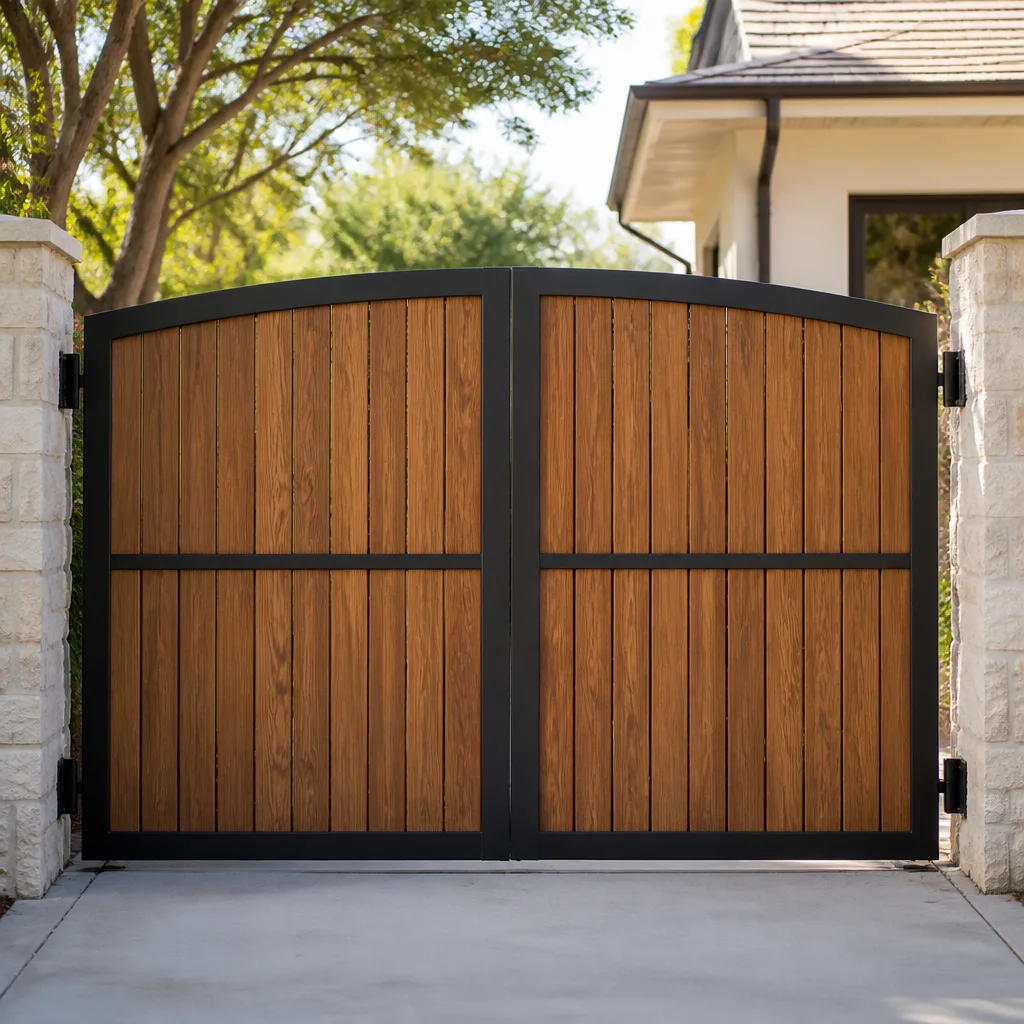 Wood & steel frame
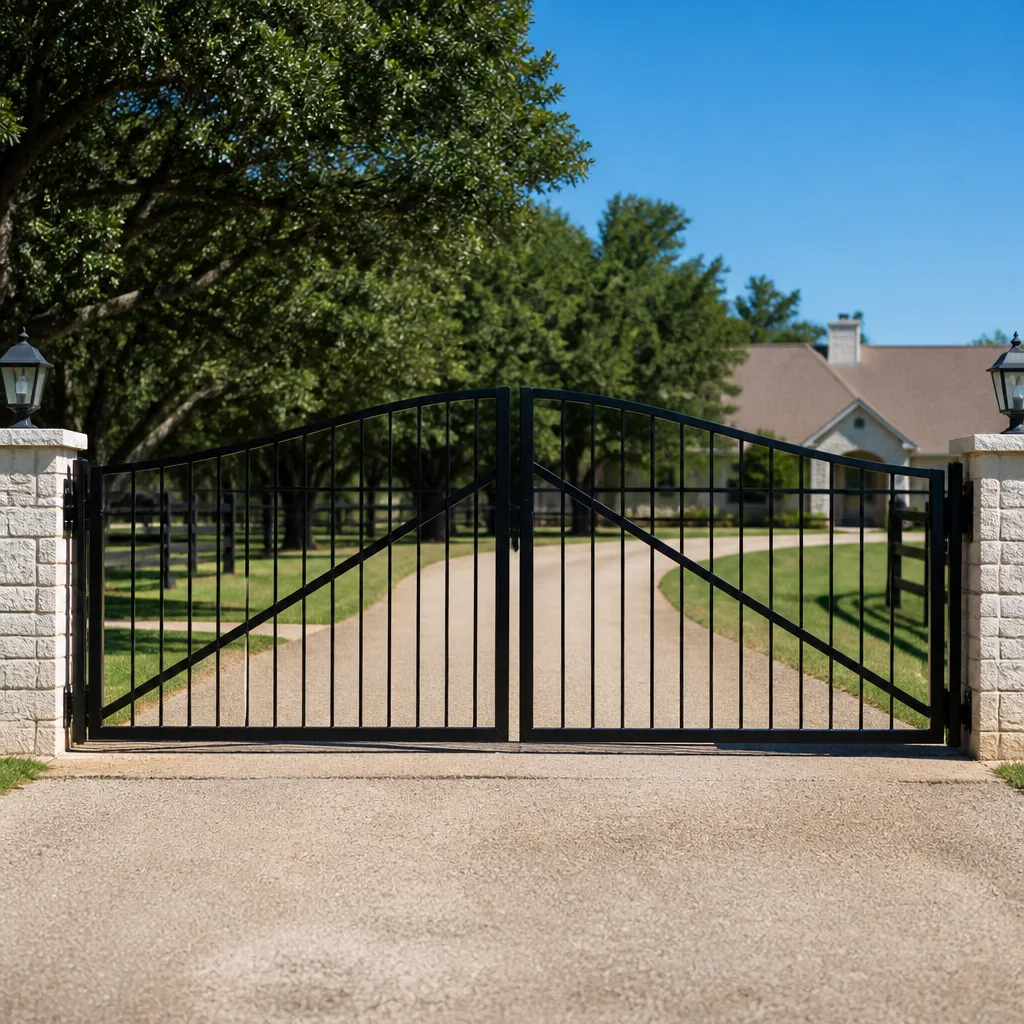 Farm & ranch
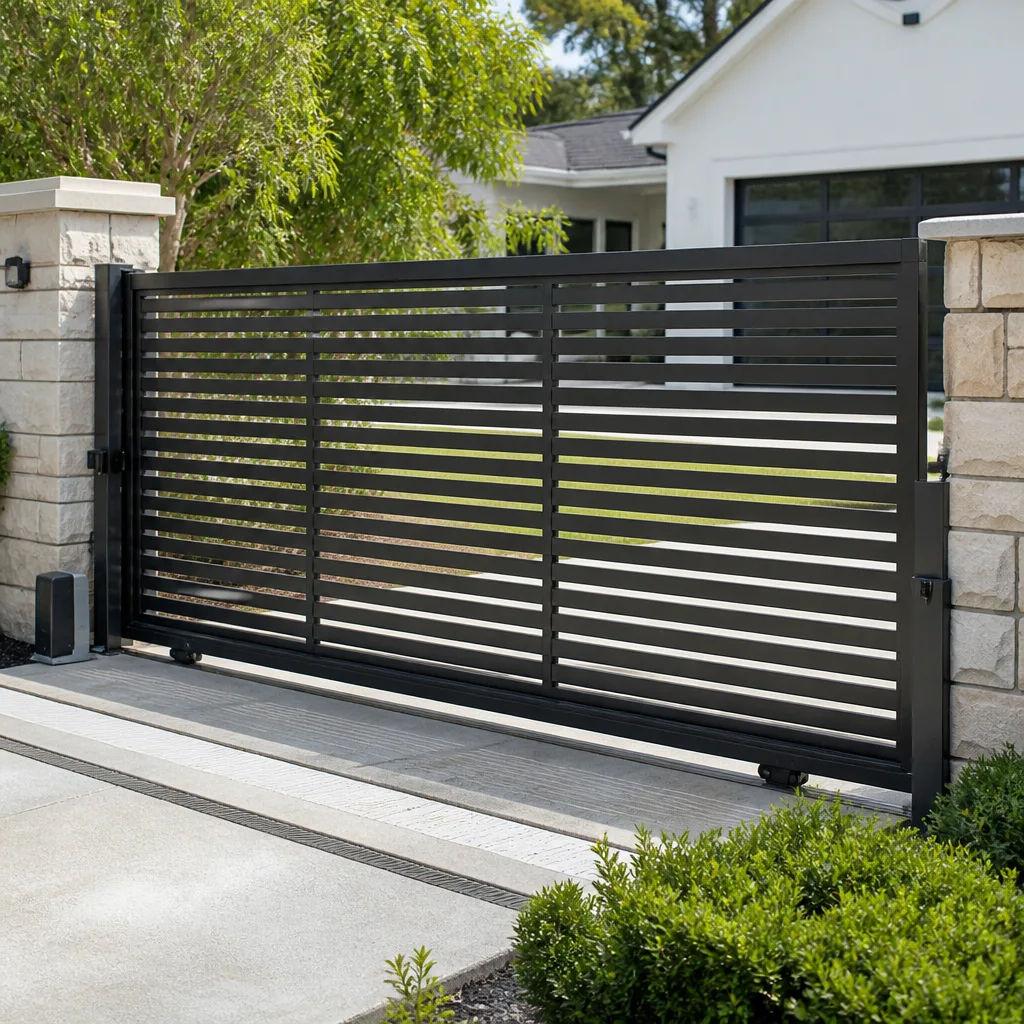 Sliding driveway gates
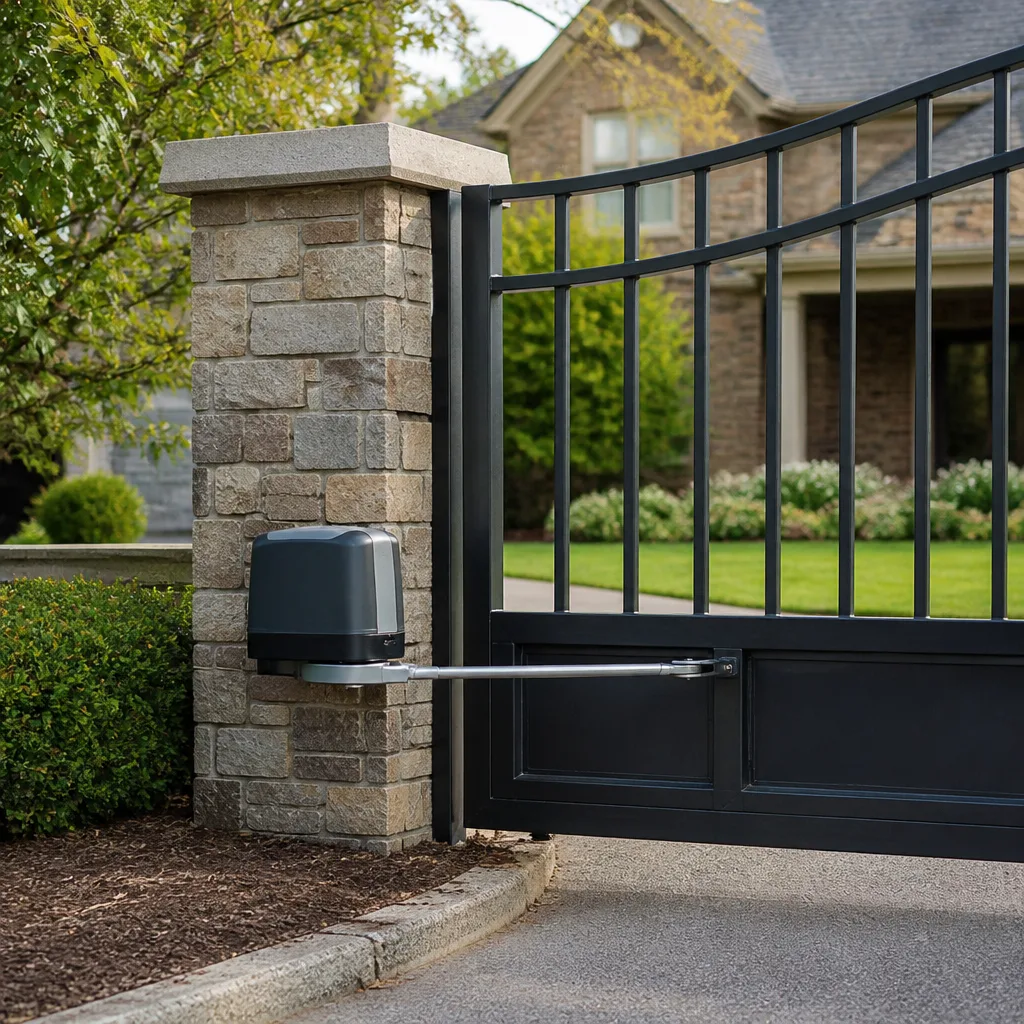 LiftMaster operators
Free on-site gate assessment - hinges, posts, and your LiftMaster or Nice gate operator checked before anything is quoted
The assessment is free and the quote is the invoice.
Get your free estimateThe Complete Gate Access Control Guide for Winchester Homeowners
Most homeowners who call us about access control already have a system. It’s just the wrong one. We’ve stood in driveways off Wagonhammer Lane and along the foothills of the Spring Mountains where a $2,400 telephone entry unit was installed for a household of two retirees who get one visitor a month. We’ve also seen keypads on properties with four renters, a pool service, a landscaper, and a rotating cast of delivery drivers. A telephone entry system is the right answer for a property with frequent service visitors and no full-time staff. A keypad is the right answer for a household where teenagers come and go. A vehicle loop detector is the right answer for exit-only lanes. Using the wrong technology for your use case makes access control a daily annoyance rather than a convenience.
This guide matches each access control type to the household it actually serves, with Winchester-specific notes on cellular coverage, Nevada code, and how to rough in a system so your next upgrade doesn’t mean digging up the driveway again.
Quick Answer
Residential gate access control comes down to five options: keypads, remotes, telephone entry, vehicle loop detectors, and smartphone/cloud systems. The right choice depends on who needs in, how often credentials change, and whether your Winchester property has reliable cellular signal. Every system should include safety loops on the exit side and a manual release, and the rough-in during installation (conduit size, power capacity, network port) matters more than the brand you pick.
Styles & brands we work with
- Wrought iron
- Wood & steel frame
- Farm & ranch
- Sliding driveway gates
- LiftMaster operators
Table of Contents
- The Five Types of Residential Access Control
- Matching the Technology to Your Household
- Cellular Coverage and Cloud Systems in Winchester
- Multi-User Management and Revoking Access
- Access Control and Gate Safety: The Loop Detector Question
- The Future-Proof Rough-In
- What Installation Day Actually Looks Like
- Common Mistakes to Avoid
The Five Types of Residential Access Control
Each of these solves a specific problem. Buying one because a neighbor has it is how you end up frustrated.
- Keypad. A numeric code opens the gate. Best for households with family members, teenagers, or regular visitors who need occasional access. Cheap to add, easy to change codes, but every code can be shared.
- Remote control. A handheld fob or visor transmitter. Best for the primary drivers in a household. Simple, reliable, works without cellular signal. Add a multi-button remote and you can open both the main gate and a pedestrian gate from the car.
- Telephone entry. A visitor presses a button, you answer by phone, and you buzz them in. Best for properties with frequent service visitors and no one stationed at the entry. The key trade-off: it requires someone to actually be reachable.
- Vehicle loop detector. An in-ground sensor that detects a vehicle over the loop and triggers the gate. Best for exit-only lanes, free-exit setups, and any gate that must not close on a car.
- Smartphone and cloud systems. An app-based system that manages codes, views logs, and opens the gate remotely. Best for households with a lot of credential churn or frequent out-of-town use. Requires a data connection, either Wi-Fi or LTE.
For the underlying opener hardware that makes all of this work, see our guide to Gate Motor & Opener in Winchester. Access control talks to the operator, but the operator has to be right first.
Matching the Technology to Your Household
Here’s how the decision usually falls out in Winchester homes we’ve worked on.
- Two retirees, one visitor a month, two cars. Remotes for each car, plus a keypad for the pool service and the occasional grandchild. Phone entry is overkill; skip it.
- Family with teenagers and a rotating schedule. Keypad and remotes, with a cloud system if the parents want to know who came and went. Mighty Mule and LiftMaster both make residential systems that handle this well.
- Remote worker with frequent deliveries and a home office. Telephone entry with a mobile-forwarding feature. You answer the front gate from the phone in your pocket.
- Rental or multi-generation property. Cloud system with individual credentials per person. Revoking a code when a tenant moves out is instant, not a service call.
- Exit-only lane or looped driveway. A vehicle loop detector on the inside, plus a manual release. Non-negotiable for safety, and required in most modern installations.
If you’re still deciding whether to install an operator at all, our Gate Installation in Winchester guide walks through the decision. Access control is the last layer, and it depends on the gate and operator being right.
Cellular Coverage and Cloud Systems in Winchester
Winchester sits in a spot where cellular coverage is inconsistent. Down in the flats near the Winchester Cultural Center and along Las Vegas Boulevard North, LTE is reliable. Up toward the foothills of Frenchman Mountain and out toward the edges of the community, signal gets patchy. A cloud access system that depends entirely on a good LTE connection will fail when the tower is congested or the weather is bad.
When we specify a cloud-based system for a Winchester home, we ask three questions first:
- Does the unit have a local fallback? A keypad that works even when the network is down is a real feature, not a marketing gimmick.
- Is there a Wi-Fi path as a backup to LTE, or vice versa? Two paths should be the target for any cloud system you actually rely on.
- Does the manufacturer support offline credential caching? Some LiftMaster and FAAC controllers store the last-known access list on the device, so a lost connection doesn’t lock out the household.
The failure mode to avoid is a cloud-only system with no local keypad and no manual release. When the network goes down, the gate becomes a wall. For a homeowner who has been locked out of their own driveway once, that’s the end of the cloud experiment.
Multi-User Management and Revoking Access
Credential management is where cheap systems reveal themselves. The question isn’t how many codes it holds today. It’s what happens in six months when a contractor leaves, a tenant moves out, or a housekeeper changes.
Here’s what to check before you buy:
- Credential capacity. A residential keypad holds anywhere from 10 to 100+ codes depending on model. A cloud system is effectively unlimited because credentials live in the app. Ask the number before you buy, not after.
- Revocation method. On a keypad, you delete a code at the keypad. On a cloud system, you delete it in the app, and it stops working within seconds if the connection is live. If a former contractor still has your code on a keypad, they have access to your property until you physically remove it.
- Time-limited access. The best systems let you issue a credential that expires automatically, so a two-week house-sitter’s code stops working at the end of two weeks.
- Audit log. Knowing who came in and when matters more as a household ages. A cloud system with an app log gives you that; a keypad doesn’t.
For a Winchester household where the credential set is stable (same family, same vehicles), a keypad and remotes are more than enough. For a property where access changes every month, cloud is the practical answer. A Gate Repair in Winchester visit is also the moment to audit your existing codes, since most homeowners can’t tell us who still has the driveway code.
Access Control and Gate Safety: The Loop Detector Question
A vehicle loop detector isn’t really a convenience accessory. It’s a safety device, and it’s a code consideration in Nevada under standard gate operator safety provisions (UL 325 and the residential sliding gate and swing gate operating standards referenced in the Nevada building code). The point of the loop on the exit side is simple: if a vehicle is sitting on the loop when the gate tries to close, the operator reads that as “vehicle present” and either reverses or holds open. No loop, no guarantee.
Here’s what a properly looped residential gate looks like:
- The gate closes only when both the exit-side loop and the entry-side photo-eye path are clear.
- A vehicle loop on the inside lane triggers the gate to open for exit without a remote (the “free exit” function).
- A second loop on the entry side initiates open, and the loop keeps the gate from closing on a partially entered vehicle.
- A manual release is accessible from outside the gate path, so the gate can be opened by hand if the operator, the power, or the loop fails.
- The operator carries the required entrapment protection, verified at install, not just assumed.
This is exactly the kind of work that should not be a homeowner DIY project. A gate that closes on a vehicle or a person is a serious injury risk, and the springs, hinges, and operator wiring involved in getting it right need a trained technician. We’ll happily explain what we’re checking, but we don’t recommend trying to wire loops or bypass safety devices on your own.
The Future-Proof Rough-In
Most access control regrets come from what’s underground, not what’s on the post. Here’s what a rough-in should include so an upgrade in ten years doesn’t mean re-trenching your driveway.
- Conduit sizing. A 1-inch conduit is the minimum for a single access control run. We recommend 1.5-inch or larger with a spare pull string, because a future telephone entry unit may need power, data, and the visitor call line all in the same trench.
- Power supply capacity. Size the low-voltage transformer for the next system up, not just the current one. A 24-volt, 40VA transformer serves today’s keypad and tomorrow’s telephone entry unit with room to spare.
- Network port placement. If you’re installing a cloud system, run a Cat-6 Ethernet cable to the gate post along with the access control conduit. Wi-Fi works at the gate, but Ethernet at the post is more reliable and lets you treat the gate as a fixed network device.
- Junction box at the post. A weatherproof junction box at the gate post keeps wire terminations clean and serviceable. Without one, every future service call starts with pulling wire from the ground.
- Spare capacity for a second reader. If you’re ever going to add a pedestrian gate reader or a camera, leave room at the box. A single spare conduit run at install costs far less than a trench later.
The rough-in is the one part of access control that can’t be cheaply fixed after the concrete is poured. Ask about it before the install, not after. Our Ironworks Gate Co. Winchester home page lists the full scope of what we work on.
What Installation Day Actually Looks Like
Installation is scheduled, not same-day. Access control is measured, ordered, and scheduled work. If a company promises to show up this afternoon with a keypad and a telephone entry unit, you should ask what’s on their truck.
- Site visit and measurement. We verify the gate operator, check the existing conduit and power, and confirm cellular coverage for any cloud system on the specific property.
- Written quote. Upfront pricing, agreed before a single bolt is turned. No surprises on the bill.
- Equipment order. Access control hardware is specific to the operator, and we stock what we install for the nine major brands we service: LiftMaster, FAAC, BFT, Linear, Viking, Ghost Controls, DoorKing, Elite, and Mighty Mule. We don’t guess.
- Install day. Conduit, wiring, mounting, and safety verification. Most jobs complete in a single visit once the equipment is on-site.
- Walkthrough and code handoff. You get the codes, the remotes, the app login, and a written explanation of the manual release.
Because we’re trained on nine operator brands, the correct fix or upgrade happens on the first visit for most Winchester homes. That’s the practical difference between a gate specialist and a general contractor who happens to wire a keypad. For more on the repair side, see Gate Repair in Winchester.
Common Mistakes to Avoid
- Buying cloud-only without local fallback. When LTE is congested or the network is down, a cloud-only system locks out the whole household. Always include a local keypad or a Bluetooth fallback.
- Skipping the exit-side vehicle loop. A gate that closes on a car is a liability and a safety hazard. Loops are a code consideration, not a luxury upgrade.
- Undersizing the conduit. A 3/4-inch conduit leaves no room for the next upgrade. If you have to trench for 1.5-inch, do it once.
- Never rotating codes. We can’t count the number of Winchester homes where the housekeeper who was let go two years ago still has a working code. Change codes after any contractor changes.
- Buying by feature list, not by use case. A telephone entry unit selling point sheet looks great, but if nobody’s home to answer, the visitor is stuck at the gate. Match the system to the household, not the brochure.
- Ignoring the power supply. A keypad and a telephone entry unit running off the same undersized transformer will misbehave in the summer heat. Winchester summer afternoons hit the transformer hard.
- Assuming the installation is done when the first visitor uses it. The walkthrough, the code handoff, and the manual-release check are part of the job. If you weren’t shown the manual release, ask.
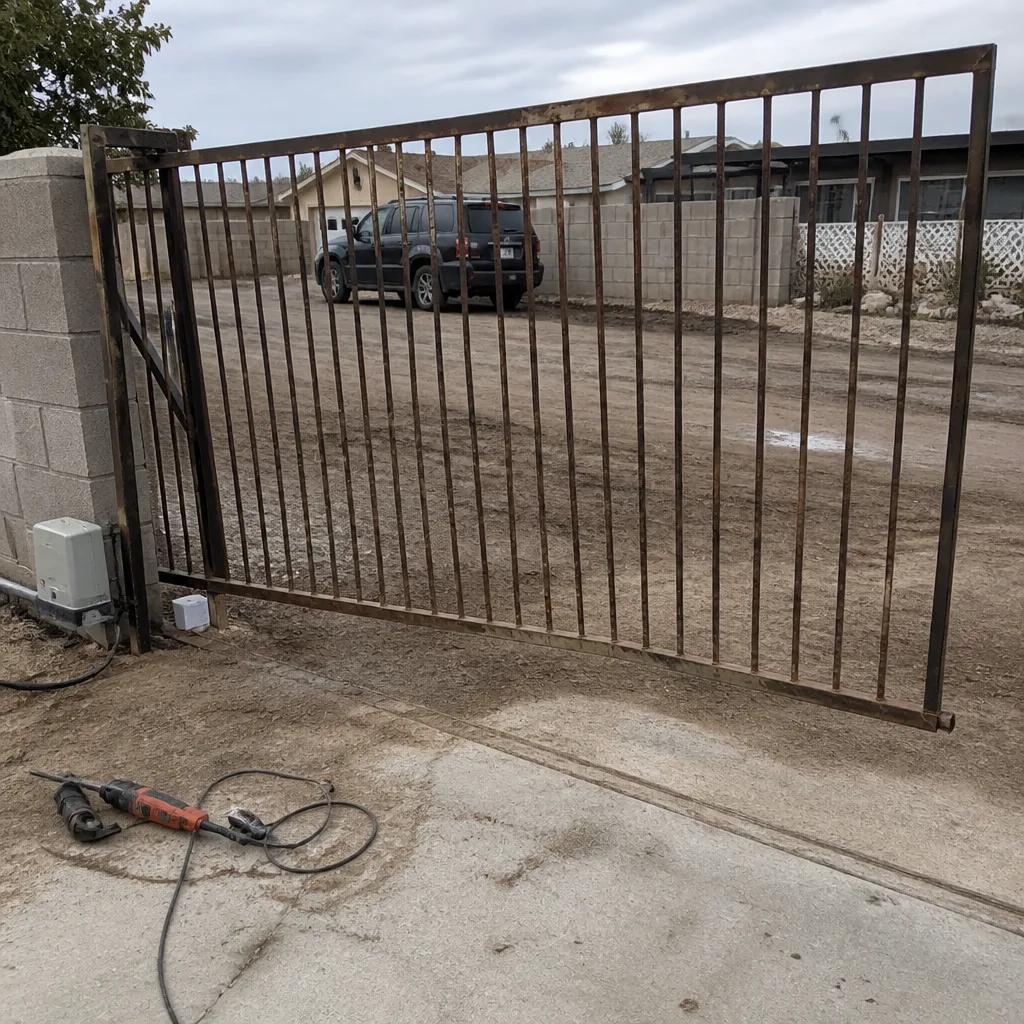
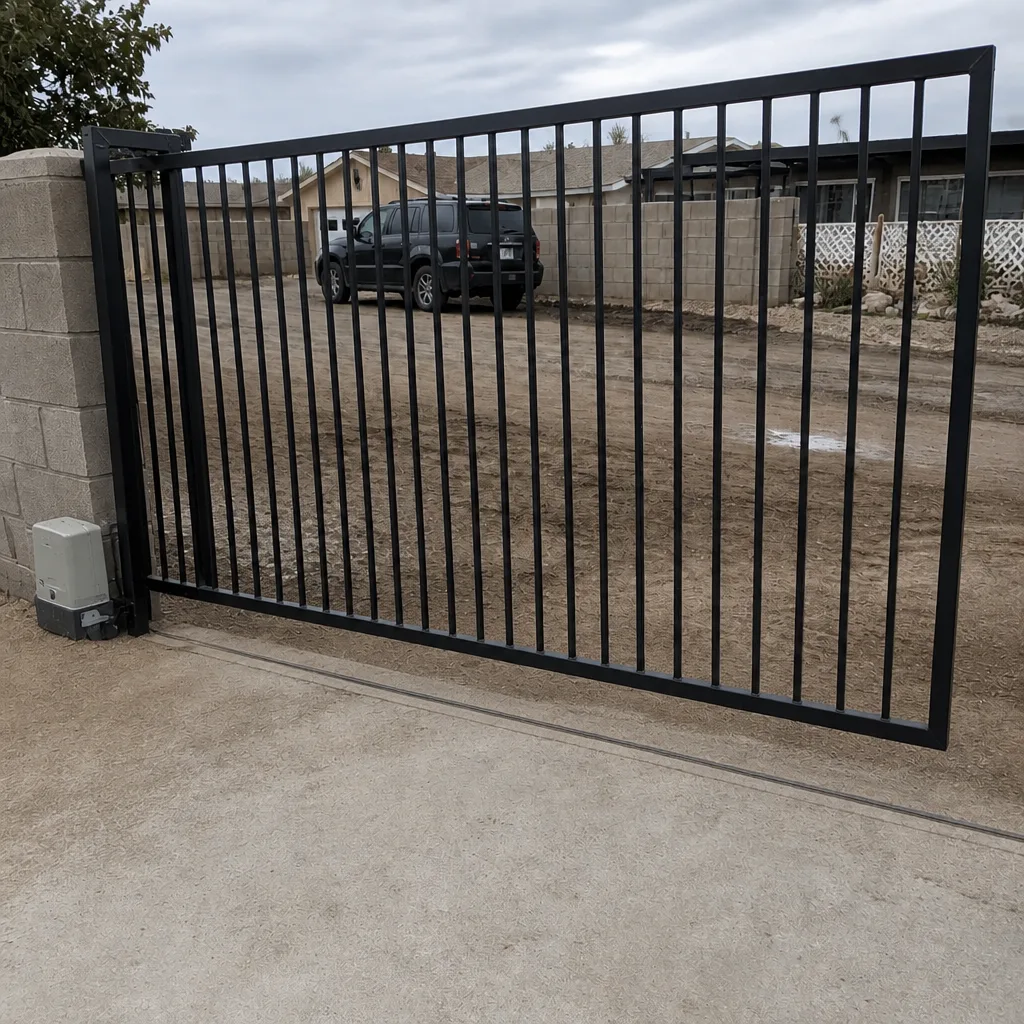
See the difference
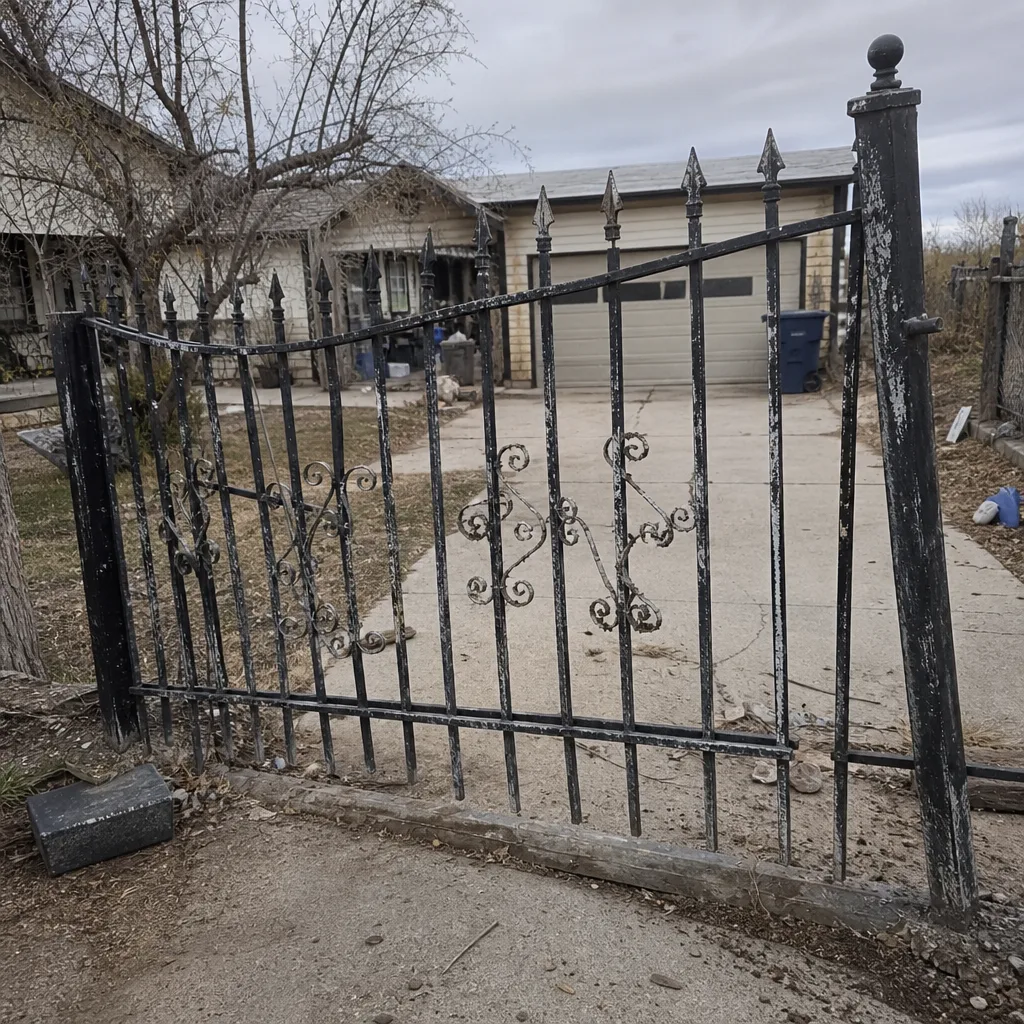 Before
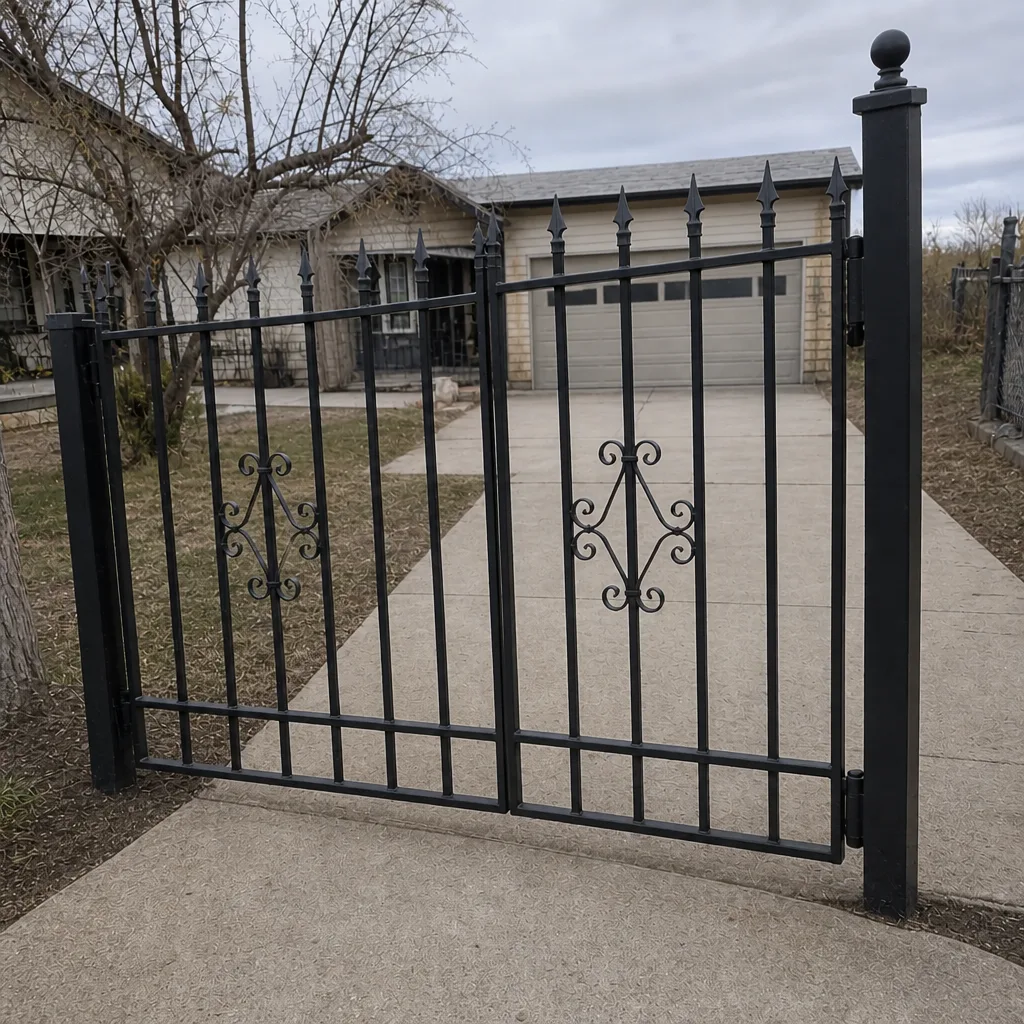 After
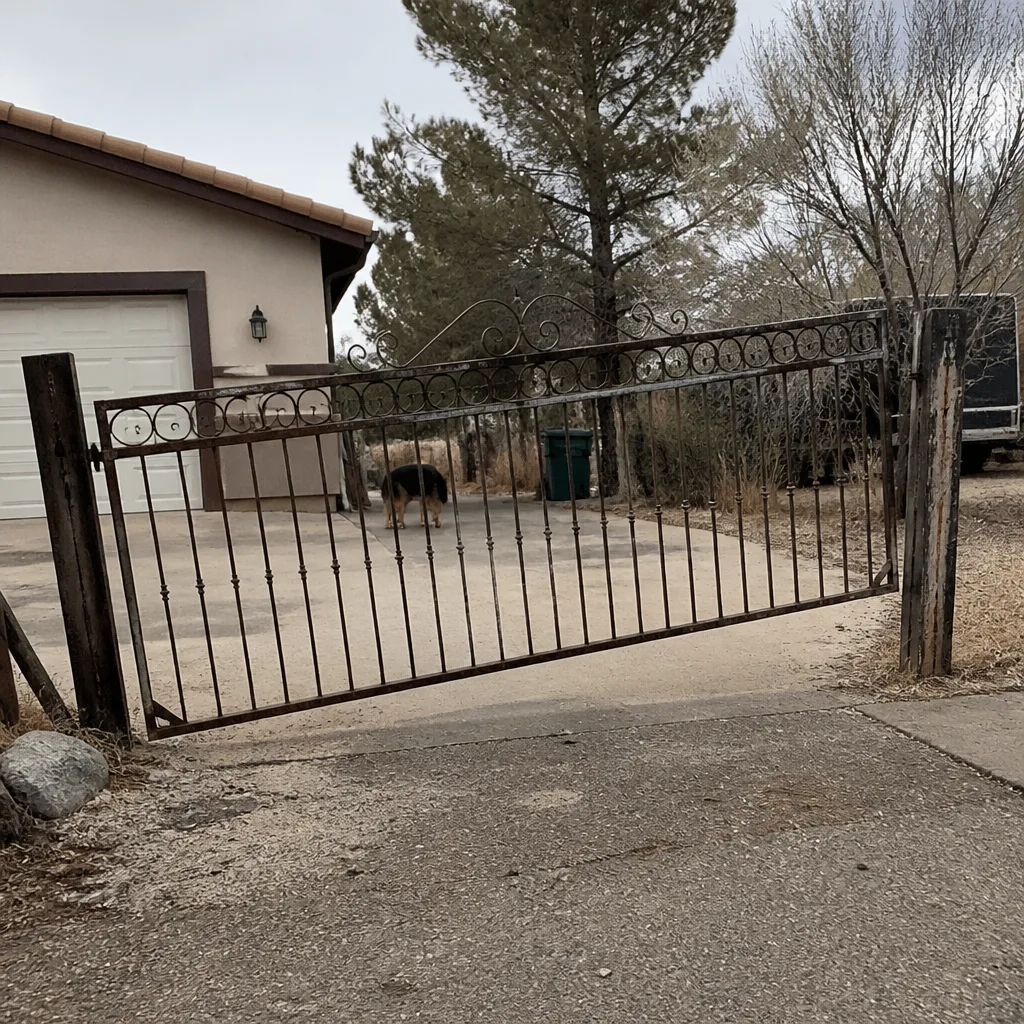 Before
 After
 Before
 After
When to Call a Professional
Call a professional the moment you’re considering adding access control to a gate that wasn’t originally wired for it, or when you’re changing an existing system. The safety-critical work – vehicle loops, operator wiring, safety edge verification, manual release access – is not a weekend project. Neither is diagnosing a system where the app says the gate is open but the remote says it’s closed. In our experience, most “cloud system failures” on Winchester properties are loop or operator issues that a trained technician can spot in ten minutes. Our technicians have up to 13 years of experience, and we’re trained on nine automation brands, so the correct fix happens on the first visit for most jobs. Ironworks Gate Co. Winchester offers free estimates in Winchester – call (866) 984-8340.
Frequently Asked Questions
A keypad plus a cloud system. The keypad gives each teenager a code they can remember; the cloud system lets parents see who opened the gate and when, and lets you revoke a code instantly if a friend’s credential needs to go. Remotes cover the primary cars. Mighty Mule and LiftMaster both handle this combination well. Call (866) 984-8340 for an exact quote – estimates are free.
Only if it has a local fallback. Some cloud systems cache the credential list on the device, so the gate still opens for authorized users when the network is down. Others don’t, and those lock you out when LTE gets congested. We check coverage at the specific property before recommending any cloud system. Call (866) 984-8340 and we’ll tell you what works at your address.
Keypad-only access typically runs $450-$850 installed, a telephone entry system runs $1,100-$2,400 depending on wiring and whether a new conduit is needed, and a cloud-based system with app access runs $800-$1,800. Vehicle loop detectors, including trenching, typically add $400-$900 per loop. Prices are quoted and agreed before any work starts. Call (866) 984-8340 for an exact quote – estimates are free.
Almost always, yes. The question is what trenching and conduit already exist. If the gate was originally wired with spare conduit and a proper junction box, adding a keypad or telephone entry is usually a single-visit job. If not, the trench is the larger part of the work. Call (866) 984-8340 and we’ll assess it on-site before quoting.
You need some form of entrapment protection, and a vehicle loop on the exit side is the standard method for residential gates in Nevada. The loop is what stops the gate from closing on a vehicle in the exit path. It’s a code consideration under UL 325 and the residential gate operator standards. A qualified technician should verify the loop, the safety edges, and the manual release together. Call (866) 984-8340 to schedule an assessment.
Access control and gate repair overlap more than people expect. A sticking hinge, a misaligned gate, or a failing operator will make a working access system look broken. We check the gate and operator first, then the access control. Most “keypad stopped working” calls on Winchester properties turn out to be a gate issue, not a keypad issue. Call (866) 984-8340 for a free second opinion on any written estimate.
The Bottom Line
The right access control system is the one that matches your household, not the one with the most features on the box. Keypads for stable families with occasional visitors, telephone entry for properties with frequent service traffic, cloud systems for high credential churn (with a local fallback for Winchester’s patchy LTE), and a vehicle loop on the exit side because it’s a safety consideration, not a luxury. Get the rough-in right during installation and your next upgrade won’t mean re-trenching. Get the gate and operator right first, then layer access control on top. Every job we complete is covered by our written 90-Day Done Right Promise, and a live person answers our phone 24 hours a day, 7 days a week.
Ready to match the right system to your Winchester property? Call Ironworks Gate Co. Winchester at (866) 984-8340 for a free estimate. We’ll measure, quote in writing, and agree the price before a single bolt is turned.
Written by the team at Ironworks Gate Co. Winchester.