
Last updated November 18, 2026
 Wrought iron
 Wood & steel frame
 Farm & ranch
 Sliding driveway gates
 LiftMaster operators
Free on-site gate assessment - hinges, posts, and your LiftMaster or Nice gate operator checked before anything is quoted
The assessment is free and the quote is the invoice.
Get your free estimateGate Access Control Troubleshooting: Common Problems and How to Fix Them
If your keypad is unresponsive, the first thing to check is not the keypad. It’s the transformer output voltage. We’ve seen a transformer delivering 11.2 volts to a device rated for 12 volts cause intermittent failures that look exactly like a dying keypad. The homeowner had already bought a replacement keypad. The real fix was a $35 transformer. That single example captures most of what goes wrong with gate access control in Winchester: the failure rarely lives where the symptom appears. This guide lays out the layer-by-layer diagnostic method we use to find the actual fault without replacing hardware that still works.
Quick Answer
Most gate access control failures are not dead hardware. They’re configuration drift, degraded power supplies, or broken communication between components that were never properly commissioned. The right order to troubleshoot is power supply first, then control board communication, then the access device itself. Following that hierarchy resolves most problems on the first visit and saves you from buying parts you don’t need.
Styles & brands we work with
- Wrought iron
- Wood & steel frame
- Farm & ranch
- Sliding driveway gates
- LiftMaster operators
Table of Contents
- The Diagnostic Hierarchy: Why Order Matters
- Power Supply Problems: The Failure That Hides
- Telephone Entry System Failures
- Keypad Issues: Corrosion, Membranes, and Relay Boards
- Cloud and Smartphone Access Control Failures
- Using the Access Log as a Diagnostic Tool
- Why Proper Commissioning Prevents Most Problems
- Common Mistakes to Avoid
- When to Call a Professional
The Diagnostic Hierarchy: Why Order Matters
The most expensive troubleshooting mistake we see is skipping straight to the access device. A keypad that won’t light up looks like a dead keypad. A telephone entry unit that won’t dial out looks like a dead unit. But both symptoms can come from a power supply that’s drifted low or a control board that’s lost communication with its peripheral. Replace the device first and you’re out the cost of hardware plus labor, and the problem may come right back.
We work in a fixed order every time:
- Power supply. Measure voltage at the transformer and at the device’s input terminals. Compare both against the manufacturer’s rating. A reading under the rated voltage under load points to a failing transformer or a corroded connection between them.
- Control board communication. Confirm the board is sending the signal the device should receive. This means checking wiring terminations, the board’s status indicators, and any communication bus between the board and the peripheral.
- The access device itself. Only after power and communication check out do we test the keypad, telephone entry unit, or card reader as a standalone component.
This order isn’t arbitrary. Power problems are the most common cause, they’re the cheapest to fix, and they mimic device failures almost perfectly. Communication problems are next. Actual device failure is the least common of the three, which is why replacing hardware first is so often the wrong call. Our Gate Repair in Winchester service follows this same sequence on every diagnostic visit.
Power Supply Problems: The Failure That Hides
Power supply degradation is the single most underdiagnosed issue in gate access control. Transformers age. Their output creeps down under load. That low voltage doesn’t cause a clean failure where nothing works. It causes intermittent failures: a keypad that works in the morning but not at noon, a telephone entry unit that dials out sometimes and not others, a card reader that reads the card one day and rejects it the next.
Winchester’s climate makes this worse. Summer highs regularly push past 100 degrees, and that heat accelerates the aging of transformer windings and outdoor wiring insulation. Dust and grit off the desert floor work into terminal blocks and connections, adding resistance that pulls voltage down further. A transformer that tested fine when it was installed years ago may be delivering noticeably less today.
What we check:
- AC voltage at the transformer’s output terminals, measured under load, not open-circuit
- Voltage at the device’s input terminals to catch voltage drop across the run of wiring
- Condition of terminal blocks and any splices for corrosion or loose connections
- Transformer rated capacity against the actual load of every device on the circuit
If a transformer reads below its rated output under load, it gets replaced. That’s often a small cost compared to the device it’s been making look broken. On installations we handle through Gate Motor & Opener in Winchester service, we size the transformer to the total connected load so this problem doesn’t recur.
Telephone Entry System Failures
Telephone entry systems fail in three distinct patterns, and each points to a different cause. Treating them as one problem wastes time.
No dial tone at all
If the handset produces no dial tone, the unit isn’t connecting to the phone line or VoIP service. Check the line connection at the unit first, then confirm the line is active by testing it with a known-good phone. In many newer Winchester subdivisions, the phone line terminates at a media panel inside the garage, and a loose RJ jack there is the culprit more often than the entry unit itself. If the line checks out, the entry unit’s line interface has failed.
Calls connect but the gate won’t open
When the visitor reaches you and you press the entry button but the gate stays put, the phone side is fine. The problem lives between the entry unit and the gate board. The entry unit’s relay is closing, but the signal may not be reaching the board, or the board may not be recognizing it. Test the entry unit’s relay output at the terminals. If the relay fires but the gate doesn’t respond, trace the wiring to the gate board and check the board’s input status.
Entries that work for some phones but not others
This pattern almost always points to the programming, not the hardware. The system stores phone numbers in memory, and if a number was entered with a digit off, or the system wasn’t updated when a number changed, that call won’t complete. It’s a five-minute fix once you know to look for it. We see this frequently in Winchester homes where the entry system was programmed years ago and the family’s phone numbers have changed since.
Keypad Issues: Corrosion, Membranes, and Relay Boards
Outdoor keypads take a beating in Winchester. UV exposure breaks down plastics and dries out membrane keypads, and windblown dust works into every seam. When a keypad starts failing, the question is whether it’s the keypad or the relay board it reports to.
The test is straightforward. Disconnect the keypad’s output at the relay board and meter the keypad’s signal directly while pressing keys. If the keypad produces a clean signal to the board, the keypad is working and the relay board or its wiring is at fault. If the keypad produces nothing or an intermittent signal, the keypad itself has failed.
Membrane failures have a recognizable pattern. The most-used keys fail first, usually the digits in the most-used entry code, while the rest of the pad still responds. If your pad has one or two dead keys and the others work, it’s a membrane failure. Total failure of every key usually points to power or wiring, not the membrane.
Corrosion is the other common story. Grit and moisture get behind the keypad face and attack the terminal connections. We clean and reseat connections first, since a keypad with corroded terminals can behave exactly like a dead one. Keypads from manufacturers like LiftMaster and FAAC hold up better to this environment than cheaper units, but none are immune.
Cloud and Smartphone Access Control Failures
Smartphone and cloud-based access failures can be harder to pin down because there are three layers where they can break. Here’s how to tell which one has gone down.
- App connectivity issues. The app itself won’t load, won’t log in, or shows the gate as offline. This is the app-to-cloud layer. Log out and back in, confirm your phone’s data connection, and check whether the manufacturer reports any service outage before assuming your system is at fault.
- Gateway device failures. The app logs in fine but can’t reach your specific system. The gateway device is the bridge between your gate and the cloud. If its status indicator shows no connection, check its network cable or Wi-Fi connection and its power supply. A gateway that’s lost its power supply will look exactly like a gate that’s offline.
- Gate board communication failures. The gateway is online but the gate itself doesn’t respond to commands. The gateway isn’t reaching the gate board, or the board isn’t acting on the command. This is the layer where a technician’s attention usually pays off, since it involves the control board and its low-voltage connections.
Cloud systems from LiftMaster and FAAC store diagnostic data in the cloud that can shortcut this whole process. When those systems work, they work well. When they don’t, knowing which layer broke is most of the diagnosis.
Using the Access Log as a Diagnostic Tool
Most modern access control systems keep an entry history, and that log is one of the most useful diagnostic tools we use. It tells you whether the failure is “device not sending signal” or “gate not receiving signal” without you having to guess.
If a visitor reported a problem and the log shows no entry attempt, the access device never sent a signal. That points to the keypad, reader, or entry unit, or the power and wiring feeding it. If the log shows an entry attempt that wasn’t followed by a gate cycle, the device sent the signal and the gate didn’t act on it. That points to the control board, the relay, or the gate’s own wiring and motor logic.
We’ve resolved visits in minutes that would have taken an hour of probing by pulling the log first. Walk your system’s menu or app for the entry history, note the timestamp of the failing event, and check what the log recorded. It’s the fastest way to split the problem down the middle. On the systems we service, including DoorKing and BFT units, that history is built in.
Why Proper Commissioning Prevents Most Problems
Many access control failures we see in Winchester aren’t failures in the sense of something breaking. They’re the consequences of a system that was never properly commissioned. A system set up with correct voltage, correct programming, and correct communication testing stays reliable. A system thrown up and walked away from drifts into all kinds of odd behavior.
Proper commissioning means confirming the transformer delivers rated voltage to every device under load, programming every phone number and code and verifying each one, testing every input and output at the control board, and confirming cloud connectivity at the gateway before the technician leaves. Our Gate Installation in Winchester service includes this step on every new system.
When we take over a system that’s been misbehaving, commissioning is often the fix. Every device checked, every setting verified, every connection tightened. On several Winchester homes, an afternoon of commissioning has resolved months of intermittent failures without replacing a single part.
Common Mistakes to Avoid
- Replacing the access device first. Replacing a keypad or entry unit before checking power and communication is the most expensive troubleshooting mistake. The new device often fails the same way for the same underlying reason.
- Measuring voltage open-circuit instead of under load. A transformer that reads 12 volts with nothing connected can read well under that once the device draws current. The under-load reading is the one that matters.
- Ignoring the access log before probing hardware. The log splits the problem in half in a minute. Pull it before you start testing terminals.
- Assuming a phone-line problem is an entry-unit problem. In newer Winchester homes, the phone line terminates at an inside media panel. Check the connection there before condemning the outdoor unit.
- Programming new phone numbers into the system and walking away without testing every one. An untested number is a failure waiting to happen, and it’s easy to miss a digit.
- Skipping commissioning on a new install. An uncommissioned system carries every latent problem forward. Confirm voltage, programming, and cloud connectivity before signing off.
- Cleaning corrosion away without checking why it formed. Corrosion behind a keypad face means water and grit are getting in. Reseal the cover and check the gasket, or the corrosion comes back.
When to Call a Professional
Some access control problems you can diagnose with a multimeter and a bit of patience. Others are worth calling in. If you’ve checked the power supply and the connections and the system still misbehaves, the fault has likely moved into the control board or the communication between components. Most homeowners also don’t have the equipment to test professional systems from DoorKing or BFT without risking damage to the electronics. If the gate behaves unpredictably in ways the access log can’t explain, that’s another sign the problem is in the wiring or board. And if you’ve replaced a device once and it failed again, the real cause was never found the first time. Ironworks Gate Co. Winchester offers free estimates in Winchester. Call (866) 984-8340. Our technicians have up to 13 years of experience, and every job is backed by our written 90-Day Done Right Promise.
See the difference
 Before
 After
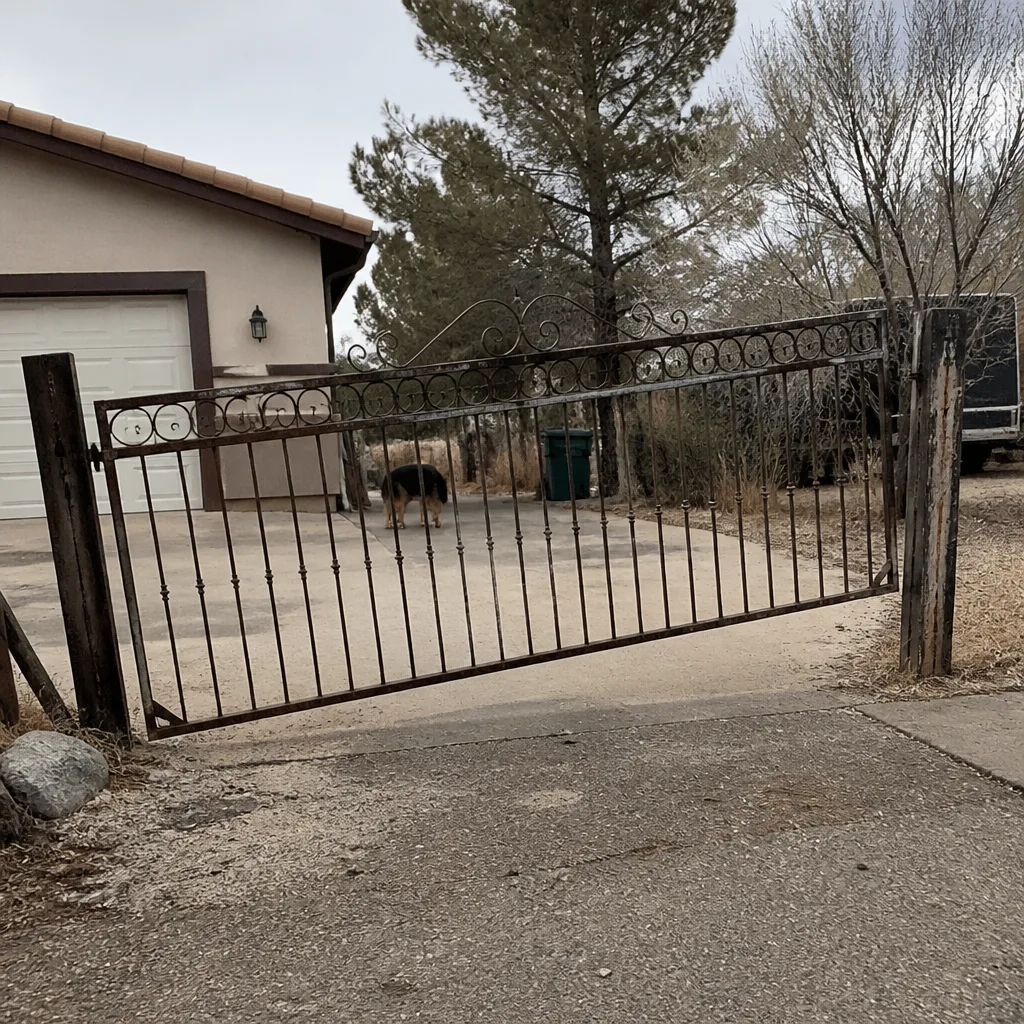 Before
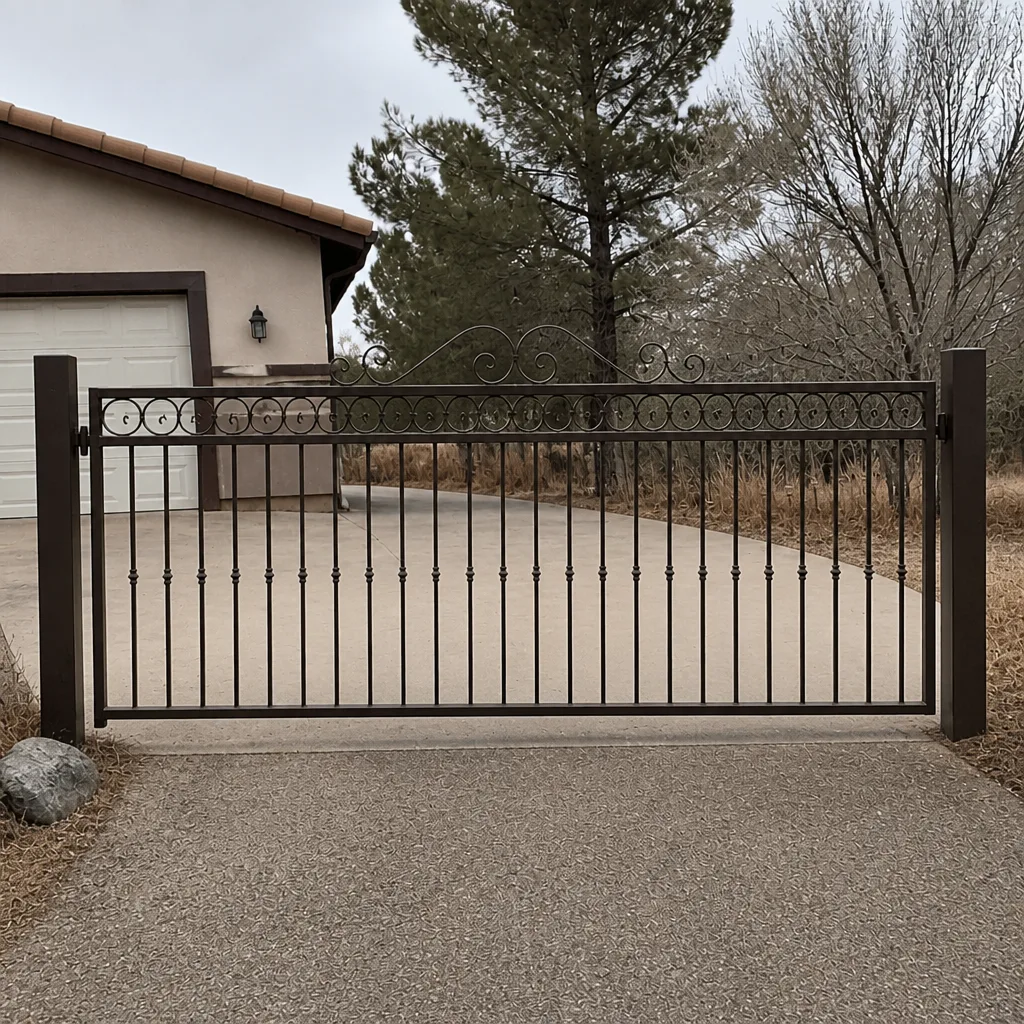 After
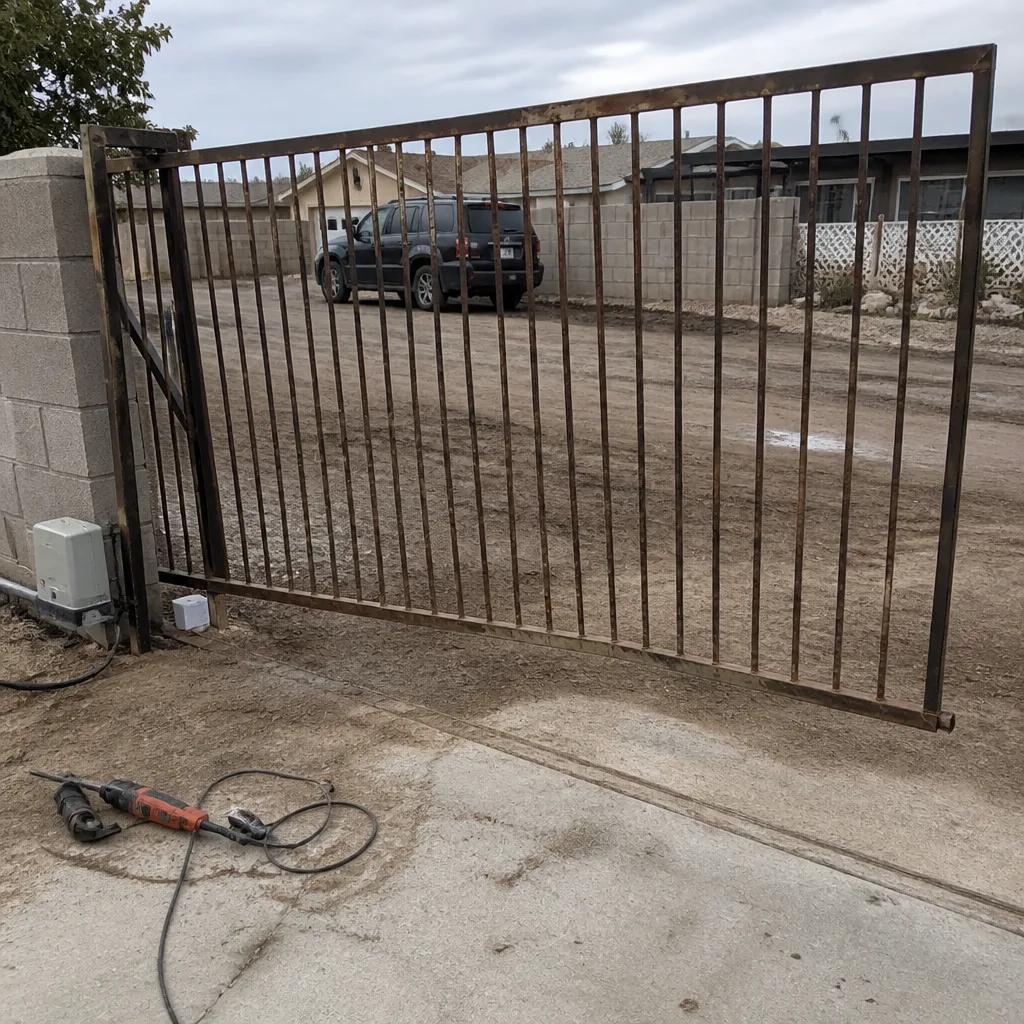 Before
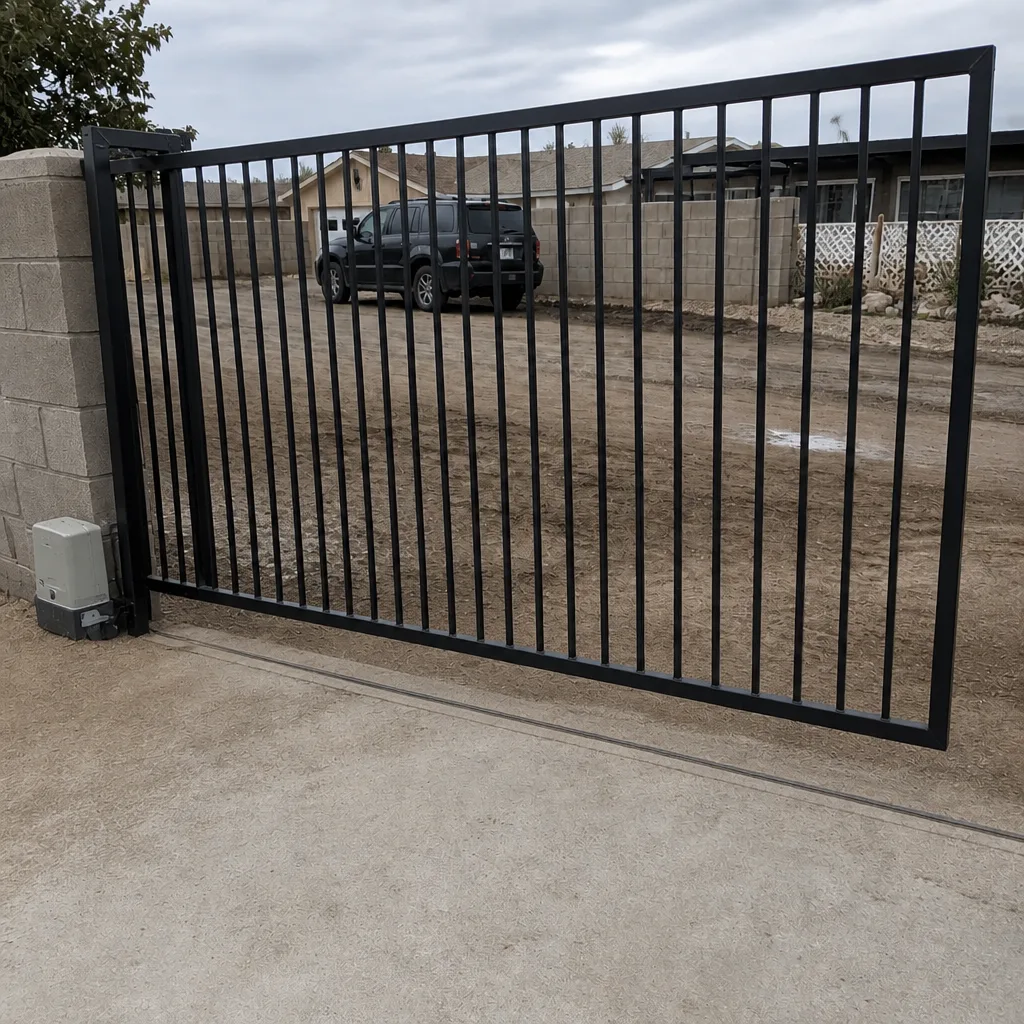 After
Frequently Asked Questions
Probably not. Most keypad failures in Winchester trace back to a failing transformer or corroded connections, not the keypad itself. Measure the transformer’s output under load and check the terminals before buying a replacement.
The programming. The system stores phone numbers in memory, and a number entered with a digit wrong, or one that’s changed since, won’t complete the call. Testing every stored number after any change prevents this.
Check the app-to-cloud layer first by logging out and back in and confirming your phone’s connection. If the app works but can’t reach your system, check the gateway device and its power and network connections. If the gateway is online but the gate doesn’t respond, the fault is between the gateway and the gate board.
Pull the access log first. It tells you whether the access device sent a signal and the gate didn’t act, or the device never sent a signal at all. That splits the problem down the middle and points you to the right layer immediately.
In many cases, yes. Our technicians are trained on nine gate automation brands, including LiftMaster, FAAC, and DoorKing, so we can identify and fix most access problems on the first visit. Call (866) 984-8340 and we’ll work out scheduling and a price before we arrive.
Most access control repairs fall in a modest range, and the exact price depends on what’s found. Our quotes are settled before a single bolt is turned, so there are no surprises on the bill. Call (866) 984-8340 for a free quote.
The Bottom Line
Gate access control troubleshooting comes down to order of operations. Power supply first, control board communication second, the access device last. Following that sequence resolves most problems without replacing hardware, and it stops you spending money on parts that aren’t broken. Winchester’s heat and dust make power supply issues especially common, which is why that first step pays for itself so often. When the diagnosis runs deeper, our team at Ironworks Gate Co. Winchester home is ready to help. Call (866) 984-8340 for a free estimate.
Written by the team at Ironworks Gate Co. Winchester.